/kids-speech-assessment

Kids speech assessment for engaging pronunciation practice

Young voices and young learners need a different product experience. Chivox provides the assessment evidence while your application turns it into encouraging, age-appropriate practice.

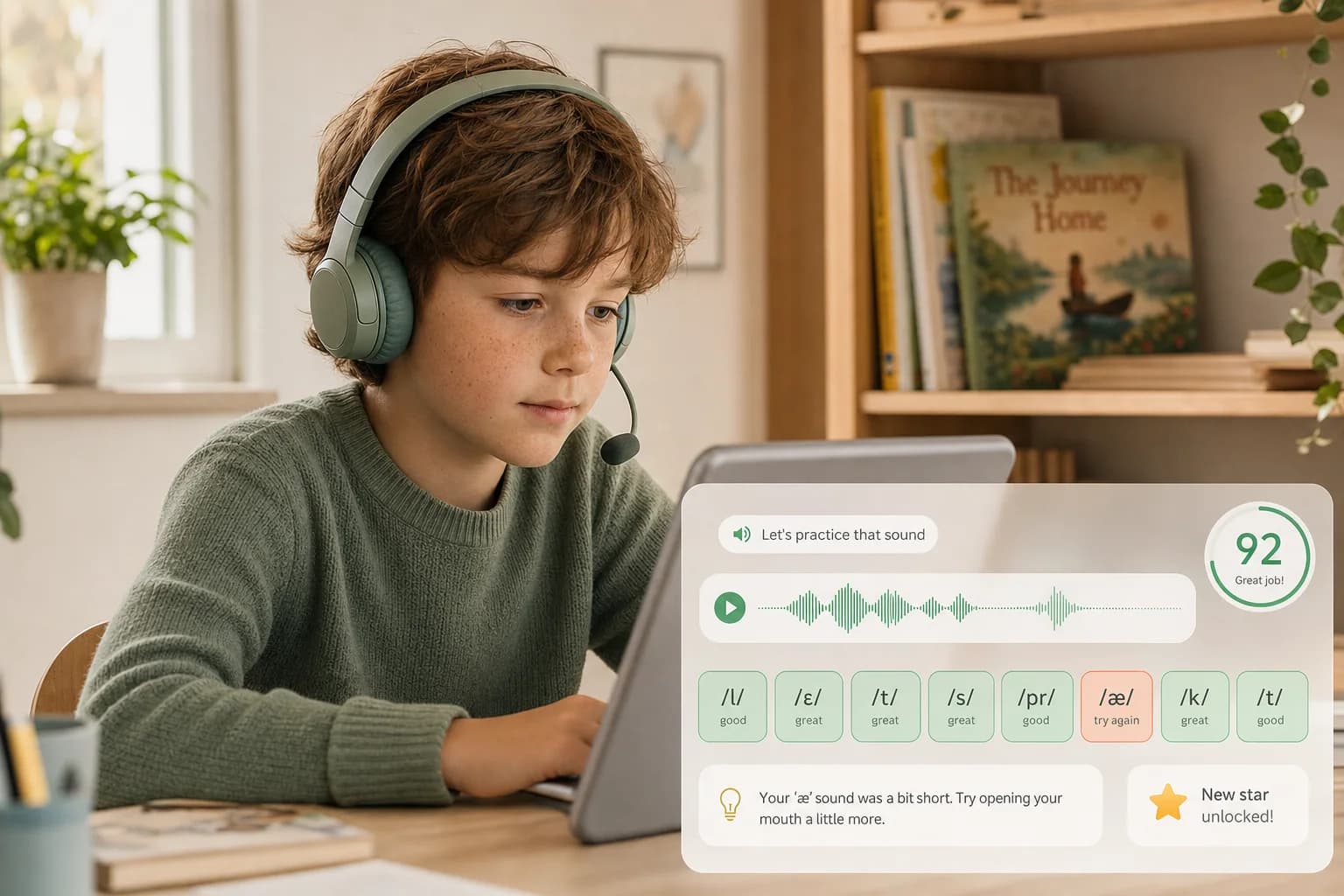
Young Western learner practicing pronunciation with headset, phoneme tips and a newly unlocked star
Practice → retry → unlock
Turn structured scores into encouraging, game-like practice loops.
Young voices
product focus
Short loops
retry-friendly practice
Structured
teacher-ready results
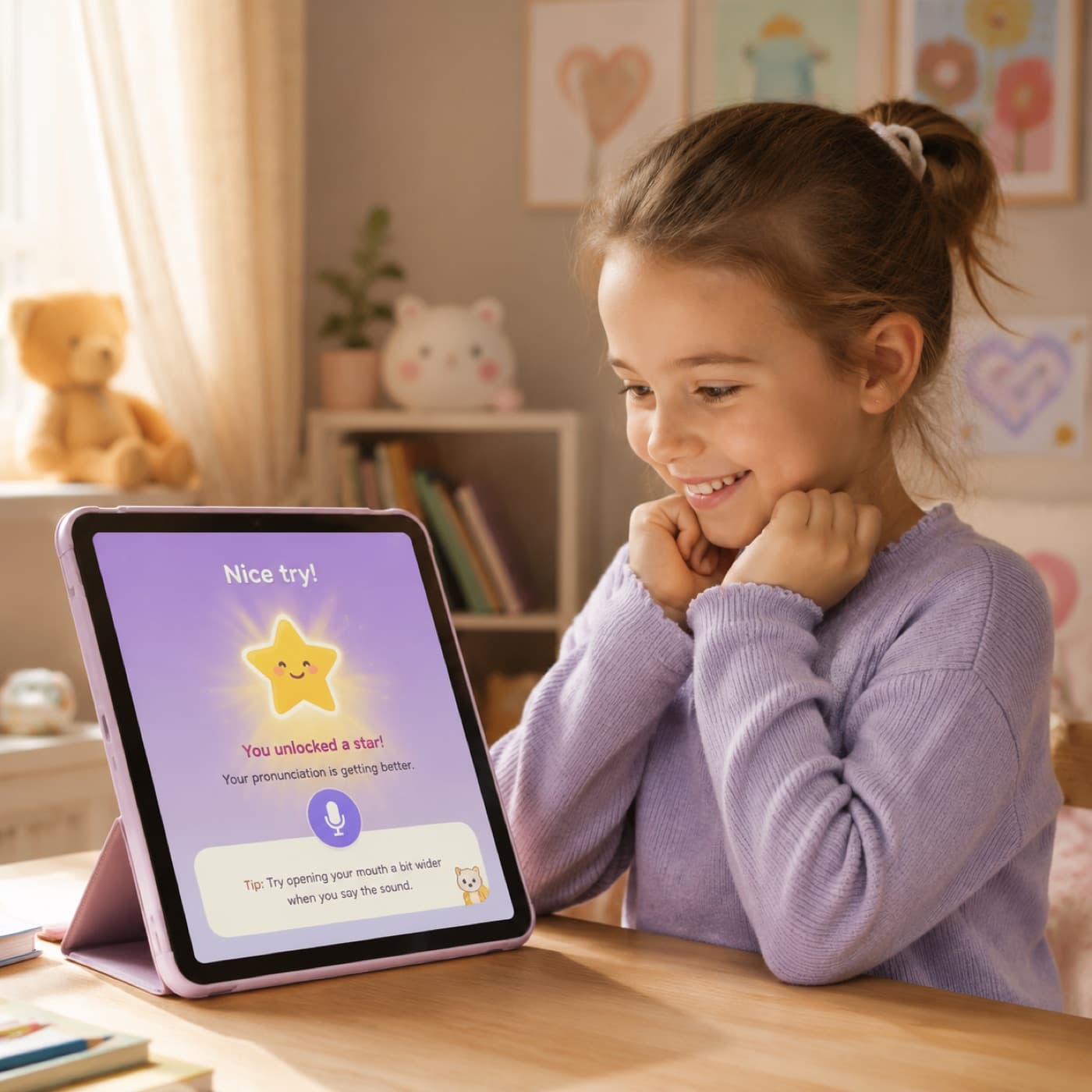
Young child smiling at a tablet after unlocking a star for a pronunciation retry
/Designed for practice

Keep feedback specific without making it discouraging

Detailed scoring can stay behind the scenes while the learner receives a small, clear next step.

  • Friendly retry flows for words, sentences and reading activities
  • Audio-quality checks before blaming the learner’s pronunciation
  • Configurable feedback thresholds for different ages and levels
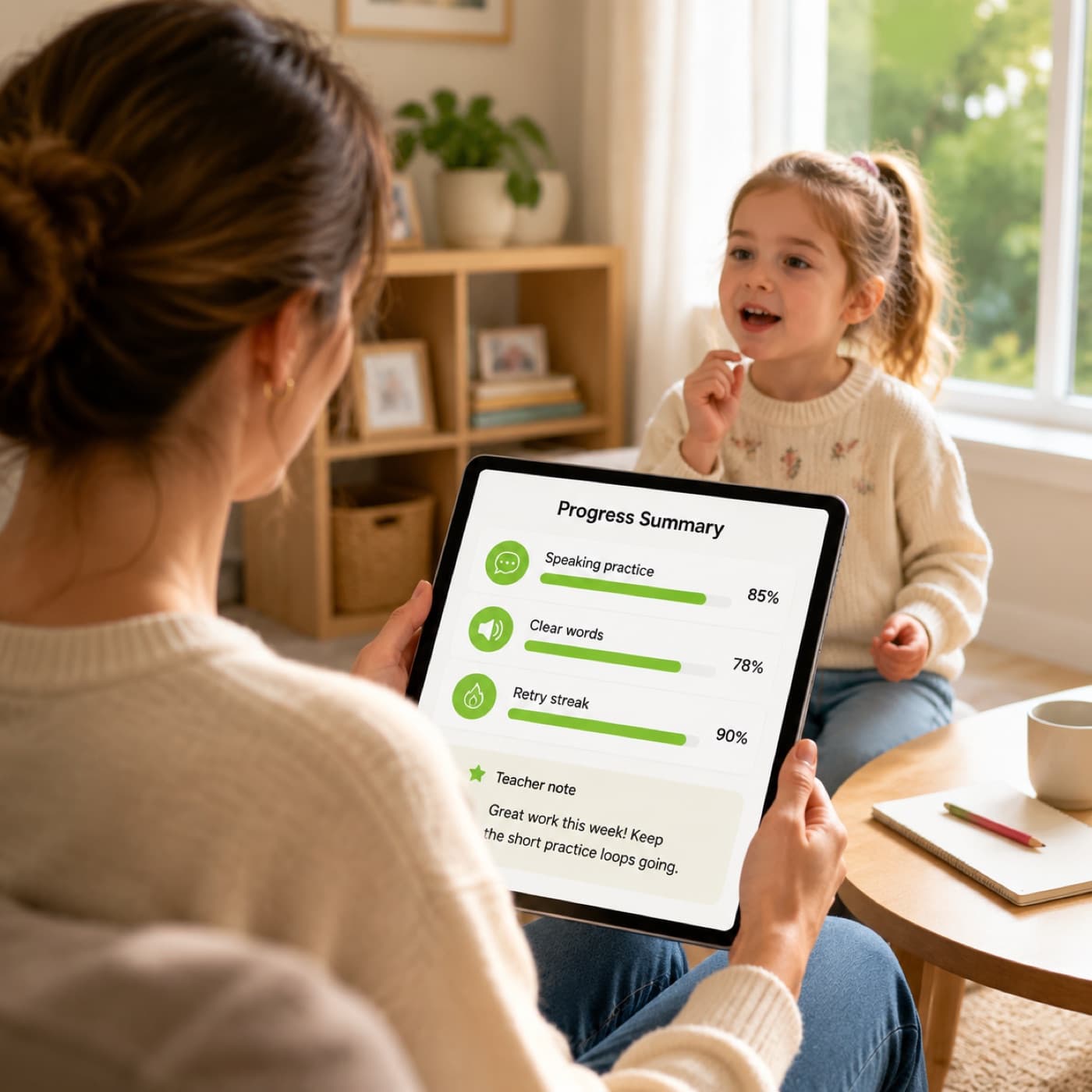
  • Progress signals that teachers and parents can understand
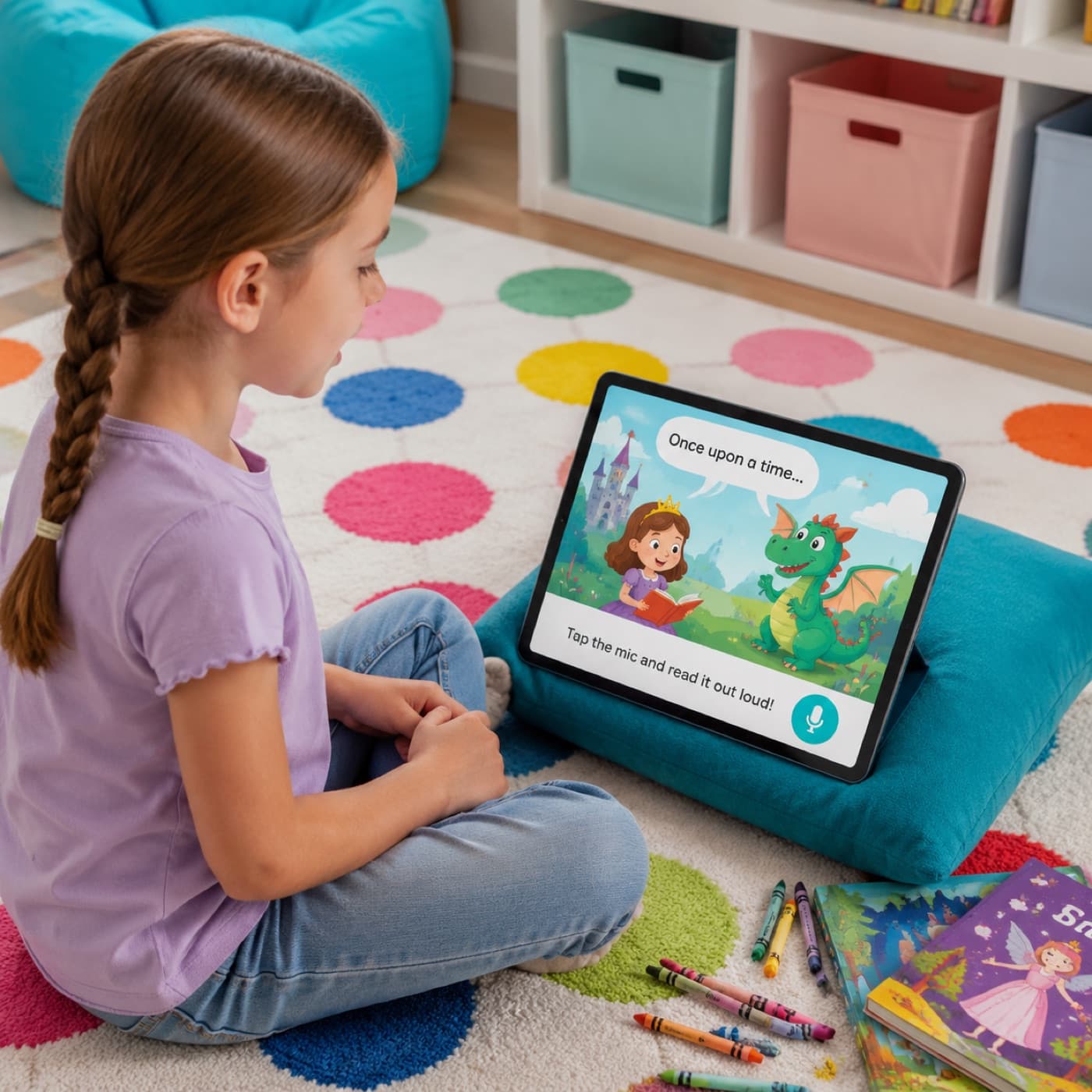
Child reading aloud from a colorful storybook app with a soft microphone prompt on screen
/Product patterns

Fit assessment into the activity children already enjoy

Use speech assessment as a quiet layer inside stories, games, reading practice and tutor conversations.

  • Read-aloud and early literacy products
  • Game-like pronunciation and vocabulary practice
  • Conversational tutors with short coaching turns
  • Classroom practice with teacher-facing summaries
Parent reviewing a simple progress summary on a tablet while a child practices softly in the background
/Responsible UX

Separate technical confidence from learner-facing judgment

Your product can use confidence and recording-quality signals to decide when to ask for a clean retry instead of presenting an unreliable correction.

  • Use neutral retry language for noisy or incomplete recordings
  • Show one or two priorities instead of every detected issue
  • Keep raw payloads out of the child-facing interface
  • Apply your own privacy, consent and retention requirements
/A child-friendly example
Illustrative walkthrough

Know when to coach—and when to simply ask for a cleaner recording

A seven-year-old reads a story line while a television is playing nearby. The first recording is incomplete, so the app protects the child from an unreliable correction. On the clean retry, it finds one sound worth practicing and keeps the story moving.

Story line
“The rabbit jumps over the log.”
Attempt → evidence → next action
01
Attempt 1
Audio quality 58

Background speech and a clipped ending make the result unreliable.

02
Attempt 2
Audio quality 91

The sentence is complete; /r/ in “rabbit” is the clearest practice target.

03
Product rule
One cue + reward

Avoid a list of errors and reward the focused retry.

App can respond
“I couldn’t hear the ending—let’s try once more.” Then: “Great clear voice! Make rabbit start with a strong rrr sound to unlock the next page.”

Implementation note. Your team controls age bands, thresholds, reward mechanics, consent and data retention. The assessment supplies evidence, not a judgment about the child.

/show-not-tell

Keep the raw detail behind the experience

The application can use audio quality and scoring confidence to choose between a friendly re-record prompt and a pronunciation cue—without exposing a child to a wall of raw scores.

practice-decision.ts
const nextStep = result.audio_quality < 70
  ? { action: "retry_recording", tone: "neutral" }
  : {
      action: "coach_one_sound",
      target: result.details[0].weakest_phone,
      reward_after_retry: true,
    };

// Product copy, rewards and thresholds stay in your control.
/workflow

A short, encouraging practice loop

Check recording quality first, choose one age-appropriate cue and keep the learner inside the activity they already enjoy.

  1. 01
    Listen to a short activity
  2. 02
    Check audio and speech evidence
  3. 03
    Select the most useful cue
  4. 04
    Encourage a focused retry
/questions

Common implementation questions

Does the API decide what a child sees?

No. It returns assessment evidence. The product team controls the language, thresholds, rewards and amount of feedback shown.

Can it work inside games and stories?

Yes. The same structured response can drive progress, hints or teacher summaries without interrupting the activity.

What happens when the room is noisy?

Use recording-quality and completeness signals before presenting a correction. A friendly “I couldn’t hear the whole sentence” retry is more appropriate than assigning a low pronunciation score to an unreliable recording.

/contact

Let’s build your voice agent together.

Tell us what you’re building. We’ll reply within one business day with pilot credits, pricing, or a deployment plan — whichever you need first.