A production checklist for speech assessment APIs
Keys, limits, privacy, observability, and fallback behavior to settle before real learners arrive.
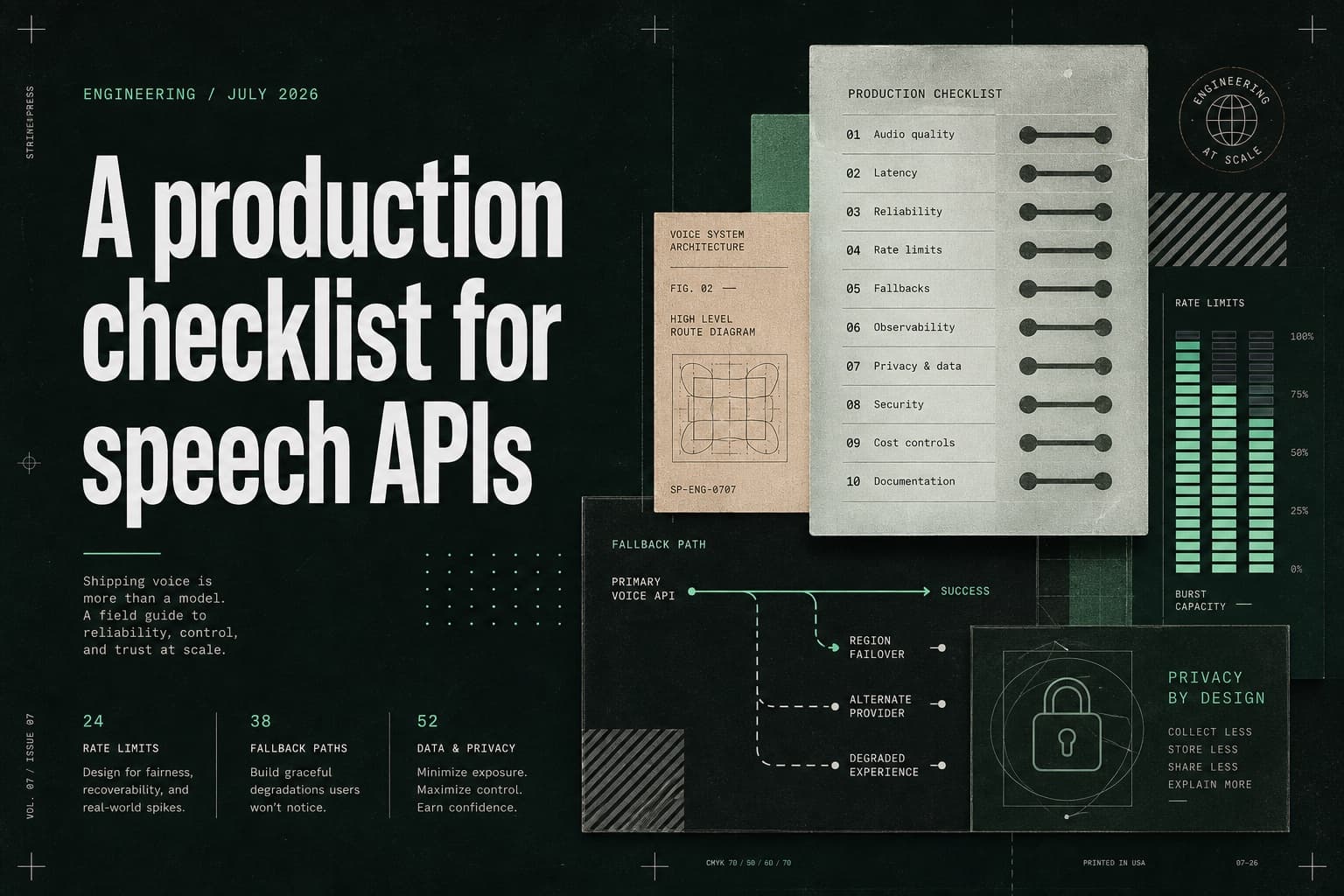
The first successful request proves the integration works. Production readiness begins with everything that happens around that request: ownership, budgets, privacy, observability, and what the learner sees when something fails.
Separate environments and responsibilities
Use different keys for development, staging, and production. Assign an owner for rotation, usage review, and incident response so operational questions have a clear answer before launch.
Document who can create keys, who can raise spend limits, and who gets paged when error rates climb. Speech assessment often sits between product, curriculum, and platform teams; unclear ownership shows up first as slow incident response.
Make limits visible early
Track latency, error rate, point consumption, and retry volume from the first pilot. Alerts should describe the user impact and the next action—not simply announce that a threshold was crossed.
A useful alert sounds like: “Learner retries are up 40% because quiet-audio failures increased.” A weak alert only says: “Usage exceeded 80%.”
Surface budgets in the same place teams already work. If product managers cannot see spend, they cannot plan content volume.
Plan a graceful fallback
Decide what the learner sees when audio is too quiet, a request times out, or a quota is reached. A focused retry message is usually more useful than a generic failure screen.
Map each failure class to one product response: - invalid audio → ask for a clearer recording - transient timeout → retry once, then offer save-and-continue - quota or auth failure → stop gracefully and route to support or billing
Do not leave these decisions to an improvised LLM apology.
Treat privacy as a release requirement
Speech audio is sensitive. Decide retention by default, not as a late legal review. Prefer short-lived processing, explicit retention windows, and clear answers for support and compliance teams.
If your product stores audio for teacher review, say so. If it does not, make that the default path and document how debugging works without permanent recordings.
Prove the launch path with a dry run
Before opening the feature, run a production-like checklist: rotate a staging key, trip a spend alert, force a quiet-audio failure, and confirm the learner message. Then verify that dashboards, logs, and ownership all point to the same incident story.
Production speech integrations fail less often from model quality than from missing operational rehearsal.